
AllGuard3.0.0 - App Store
You'll be able to see results in few seconds.
Publisher Description
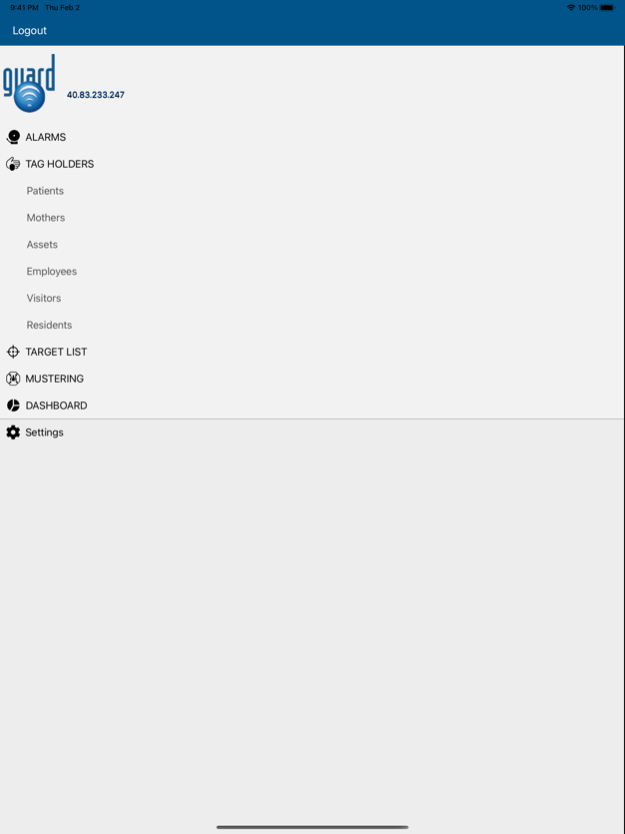
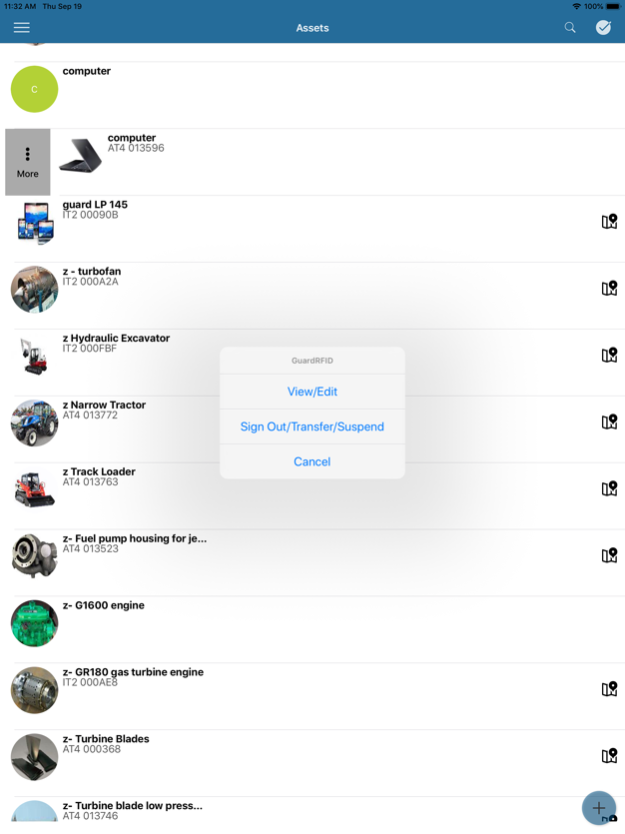

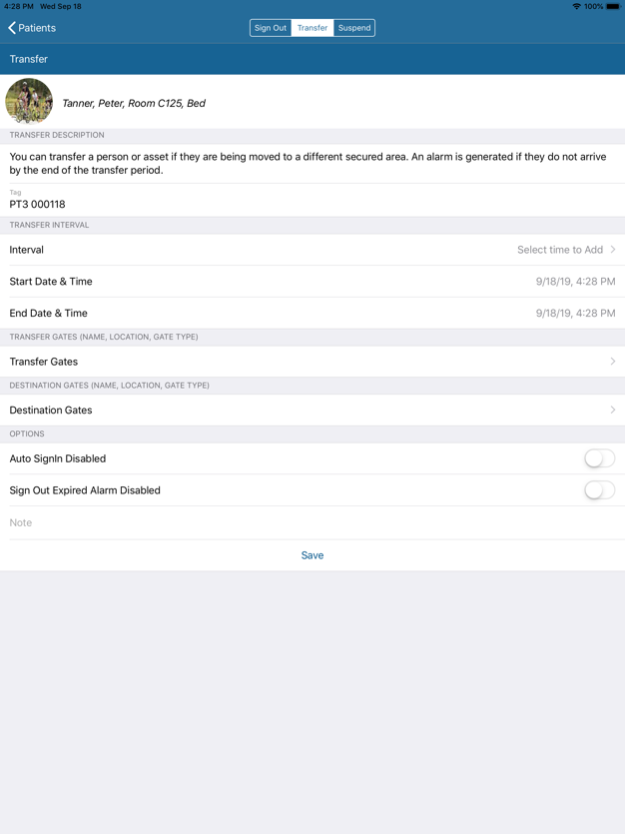
The AllGuard Mobile client connects to the GuardRFID RTLS solution. This solution is used by Healthcare and Industrial organizations to locate and secure patients, assets and personnel.
The mobile app. :
1. Allows the user to locate people and assets that are equipped with an Active RFID tag.
2. Displays all system events (including alarms and warnings) and allows the user to accept system events according to the privileges attached to their user credentials.
3. Add/Modify and Delete people and assets.
4. Suspend, Sign-Out, Transfer tagholders.
5. Manage Muster sites in emergency situations.
The AllGuard solution is an RFID/RTLS platform used to collect, process and present data from a variety of RFID/RTLS tags. The tags can be applied to people or objects for the purpose of providing the location, safety, security, and parametric data of tagged people and objects. The tags measure and report in real time environmental parameters relevant to the tagged person or object.
The AllGuard solution can be deployed as a segmented system in a Wide Area Network, using a single server managing multiple independent sites in various geographical locations across the world, indoors and outdoors. This model used by the AllGuard system allows information to be exchanged in real time bidirectionally between the RFID/RTLS tags and the end users or end applications enabling support for the Internet of Things (IoT) concept, interconnecting uniquely identifiable people and items within the existing internet infrastructure.
Feb 5, 2024
Version 3.0.0
Added support for BLE tags/beacons.
Ability to select/view on the floor/delete multiple tag holders.
Error message cleanup.
About AllGuard
The company that develops AllGuard is Guard RFID Solutions inc.. The latest version released by its developer is 3.0.0.
To install AllGuard on your iOS device, just click the green Continue To App button above to start the installation process. The app is listed on our website since 2024-02-05 and was downloaded 0 times. We have already checked if the download link is safe, however for your own protection we recommend that you scan the downloaded app with your antivirus. Your antivirus may detect the AllGuard as malware if the download link is broken.
How to install AllGuard on your iOS device:
- Click on the Continue To App button on our website. This will redirect you to the App Store.
- Once the AllGuard is shown in the iTunes listing of your iOS device, you can start its download and installation. Tap on the GET button to the right of the app to start downloading it.
- If you are not logged-in the iOS appstore app, you'll be prompted for your your Apple ID and/or password.
- After AllGuard is downloaded, you'll see an INSTALL button to the right. Tap on it to start the actual installation of the iOS app.
- Once installation is finished you can tap on the OPEN button to start it. Its icon will also be added to your device home screen.
Program Details
System requirements
Download information
Pricing
Version History
version 3.0.0
posted on 2024-02-05
Feb 5, 2024
Version 3.0.0
Added support for BLE tags/beacons.
Ability to select/view on the floor/delete multiple tag holders.
Error message cleanup.
version 2.6.1
posted on 2023-02-07
Feb 7, 2023
Version 2.6.1
Improvements to Mustering Capability
Addressed several situations which could affect application performance.
version 1.1
posted on 2015-04-06
Disclaimer
Official App Store Link
We do not host AllGuard on our servers. We did not scan it for viruses, adware, spyware or other type of malware. This app is hosted by Apple and passed their terms and conditions to be listed there. We recommend caution when installing it.
The App Store link for AllGuard is provided to you by apps112.com without any warranties, representations or guarantees of any kind, so access it at your own risk.
If you have questions regarding this particular app contact the publisher directly. For questions about the functionalities of apps112.com contact us.
